
icon Free Money!
Bonuses & Promo icon
App for Window

Visit the site from your smartphone, install the application right now and get $100 to the bonus account!

en English

BetGoat Register & Casino Login – Full Account Guide

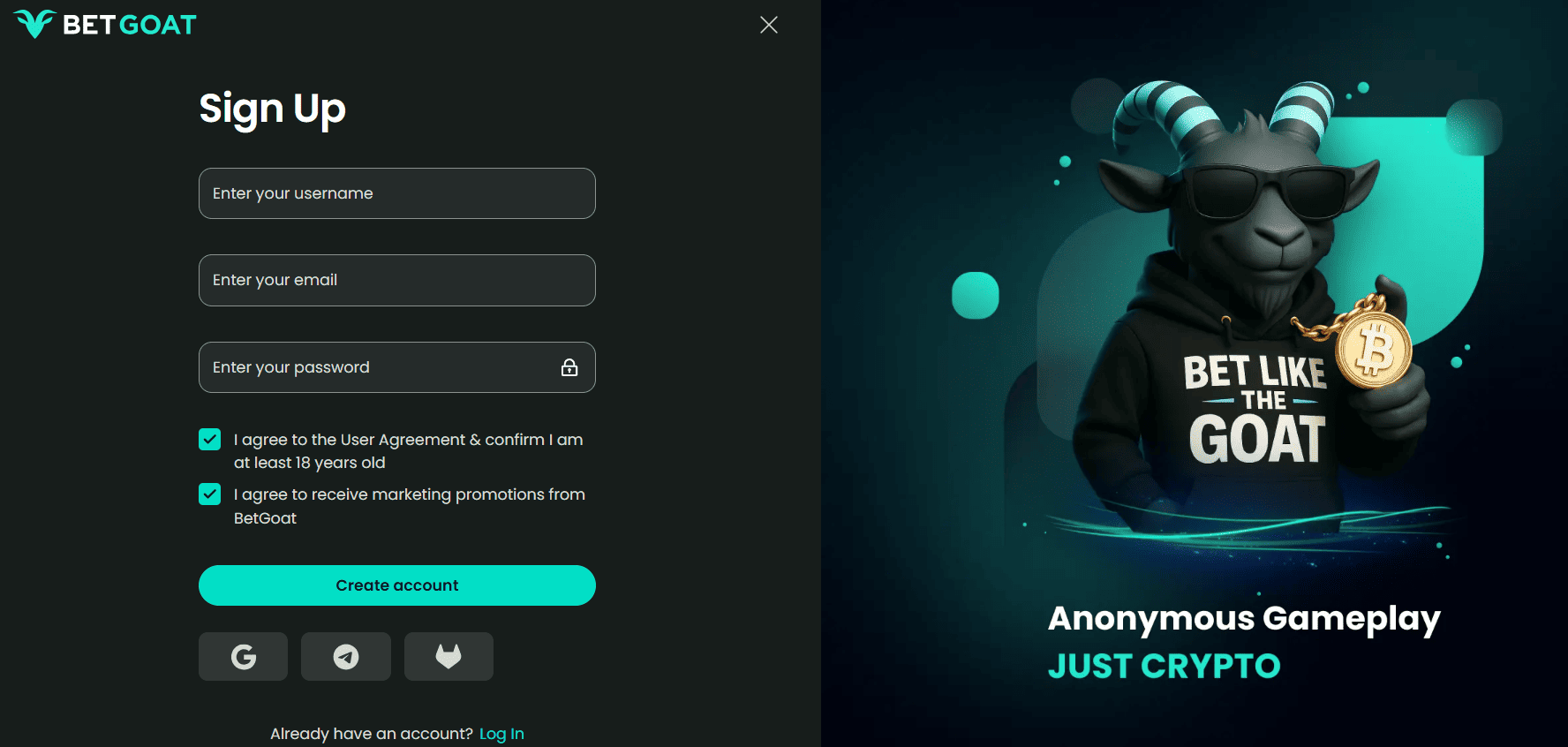
BetGoat registration takes under 60 seconds and asks for two things: an email address and a username. No phone number. No date of birth at signup. No identity document before you can play. You’re in the casino lobby with access to the full game catalogue and sportsbook before you’ve deposited anything.

For Malaysian players, the additional step before depositing is sourcing USDT or another supported coin. This page covers the full flow: account creation, login, getting USDT in Malaysia, depositing, and what happens when you’re ready to withdraw.
How to Register at BetGoat

  1. Go to betgoat1.com and click Register. The button is top right on desktop and in the main menu on mobile.
  2. Enter your email address – this becomes your login credential and the address BetGoat uses for account communications.
  3. Set a username – this appears on leaderboards and in the community. Choose something you’re comfortable with publicly.
  4. Set a password – minimum 8 characters, mix letters and numbers. Avoid reusing a password from any other platform.
  5. Select your currency – choose USD as the account denomination for crypto deposits. This setting is permanent.
  6. Select your welcome bonus – casino (100%) or sports (80%) are separate offers. You can access both across two separate first deposits. Full terms: BetGoat bonuses page.
  7. Complete registration – account is live. You’re in the lobby immediately.

No email verification prompt blocks you from entering. No OTP. No document upload. The entire process is email, username, password, done.
BetGoat Casino Login

Standard login

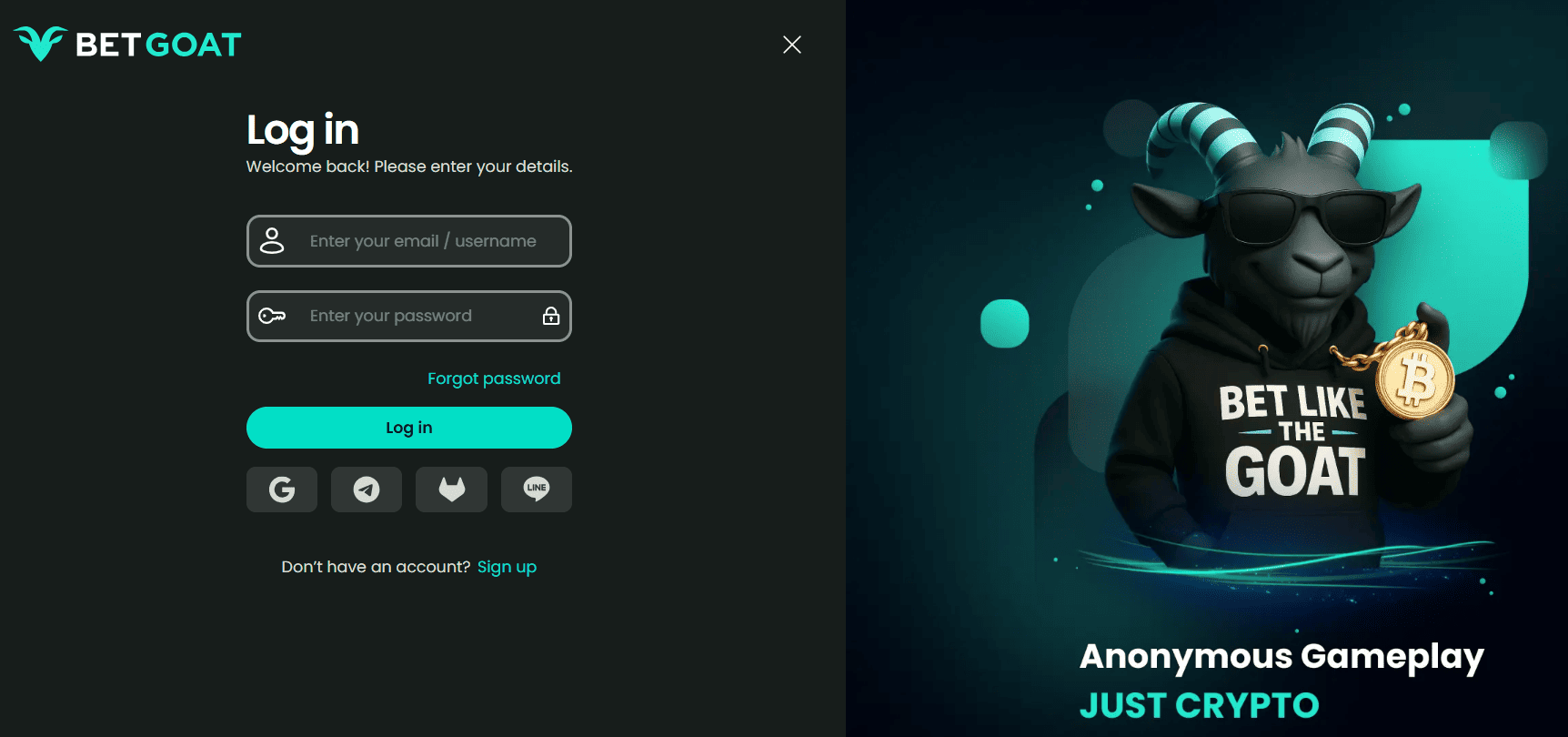
Go to betgoat1.com, click Login, enter your email and password. Tick Remember Me to extend the session. Standard session expiry is 7 days on a remembered device.

Login on mobile

The full platform runs on mobile browser. If you’ve added the home screen shortcut (guide on the app page), it launches directly into your session. Login persists until the session cookie expires or you clear browser data.

BetGoat casino login problems

  • Email not recognised – confirm you’re using the exact email entered at registration. No alternative login method exists if you’ve lost email access.
  • Password case – passwords are case-sensitive. If Caps Lock was active during registration it must be active to log in.
  • Account locked – multiple failed login attempts trigger a temporary lock. Contact BetGoat support via live chat to unlock.
  • Site unreachable – if betgoat1.com won’t load on your network, try betgoat.com as the official domain. Mobile data sometimes bypasses ISP-level filtering.

Password Recovery

  1. Click Forgot Password on the login screen
  2. Enter your registered email address
  3. Check your inbox – reset link arrives within 2 minutes
  4. Click the link and set a new password
  5. Log in immediately

If you no longer have access to the registered email, manual account recovery requires identity confirmation via live chat. Prepare your username, the registered email address, and details of a recent transaction.

Getting USDT in Malaysia – The Practical Flow

BetGoat accepts USDT, BTC, ETH, TRX and SOL. For most Malaysian players, USDT on TRC20 is the right starting point – low network fees, 1-3 minute confirmation, and stablecoin value means your deposit amount doesn’t change between the time you send and the time it lands.

How to get USDT from MYR:

  1. Create an account on Binance or Luno (Luno is local and accepts DuitNow/FPX directly). Both are legal and licensed in Malaysia.
  2. Complete their KYC (IC photo) – this KYC is with the exchange, not with BetGoat.
  3. Deposit MYR via DuitNow, FPX or bank transfer to the exchange.
  4. Buy USDT on the exchange at market rate. Alternatively use Binance P2P to buy USDT directly from local sellers for MYR via bank transfer – no exchange rate spread.
  5. Withdraw USDT from the exchange to your wallet (TrustWallet, MetaMask, etc.) on TRC20 network.
  6. Deposit from wallet to BetGoat using the deposit address in your account wallet.

The reverse path – casino winnings back to MYR – works the same way in reverse: BetGoat withdrawal to your wallet, wallet to exchange, exchange to MYR bank account or DuitNow.

First Deposit at BetGoat

Go to Wallet – Deposit in your account. Copy the deposit address for USDT TRC20. Send from your wallet to that address. Minimum deposit amount is shown in your account – send at or above the minimum to ensure the deposit is credited.

  • USDT TRC20 – confirms in 1-3 minutes after 1 block confirmation
  • ETH or USDT ERC20 – 5-15 minutes, higher gas fees
  • BTC – 10-30 minutes depending on network activity and BetGoat’s required confirmations
  • TRX – fast, low fee, similar speed to USDT TRC20
  • SOL – fast confirmation, Solana network fees are very low

Critical: always send the correct coin to the correct network address. Sending ETH to a TRC20 address or BTC to an ETH address results in permanent loss. Double-check the network before confirming the transaction.

Withdrawals

Go to Wallet – Withdraw, enter the destination wallet address and amount. Before your first withdrawal, BetGoat may require identity verification – email confirmation and possibly a KYC step to confirm account ownership. The exact requirement is shown in the withdrawal flow when you initiate it.

Withdrawal processing time: USDT-TRC20 transactions typically broadcast within minutes of approval. The time from request to your wallet depends on BetGoat’s internal review queue plus on-chain confirmation. First withdrawals may take longer as the platform runs security checks on new payout destinations.

Always withdraw to a wallet you control, not directly to an exchange deposit address – some exchange deposit addresses have memo requirements that cause issues with direct casino withdrawals.

Account Security

  • Two-factor authentication – enable in Settings – Security. New-device logins require the second factor
  • Email notifications – turn on login and withdrawal alerts to catch any unauthorised activity immediately

Wallet address whitelist – if available in settings, whitelist your withdrawal address so withdrawals can only go to verified destinations

FAQ

Data handling and privacy: Privacy Policy | 18+/21+ only